

































See your team's hours
See who's working right now, hours per person or project, and get a report by email every week.
Owners, admins and viewers see the whole company’s hours on the web. Team managers see their team’s hours where they approve them.
Who’s working right now
Open Today in the menu. At the top you see how many people are clocked in, on a break, clocked out today, not in yet, or on leave. Click a number to show only those people, and click it again to show everyone. Below that is a list of everyone, with the location they clocked in at and since when they’re working, and a map beside it (above it on a narrow screen).

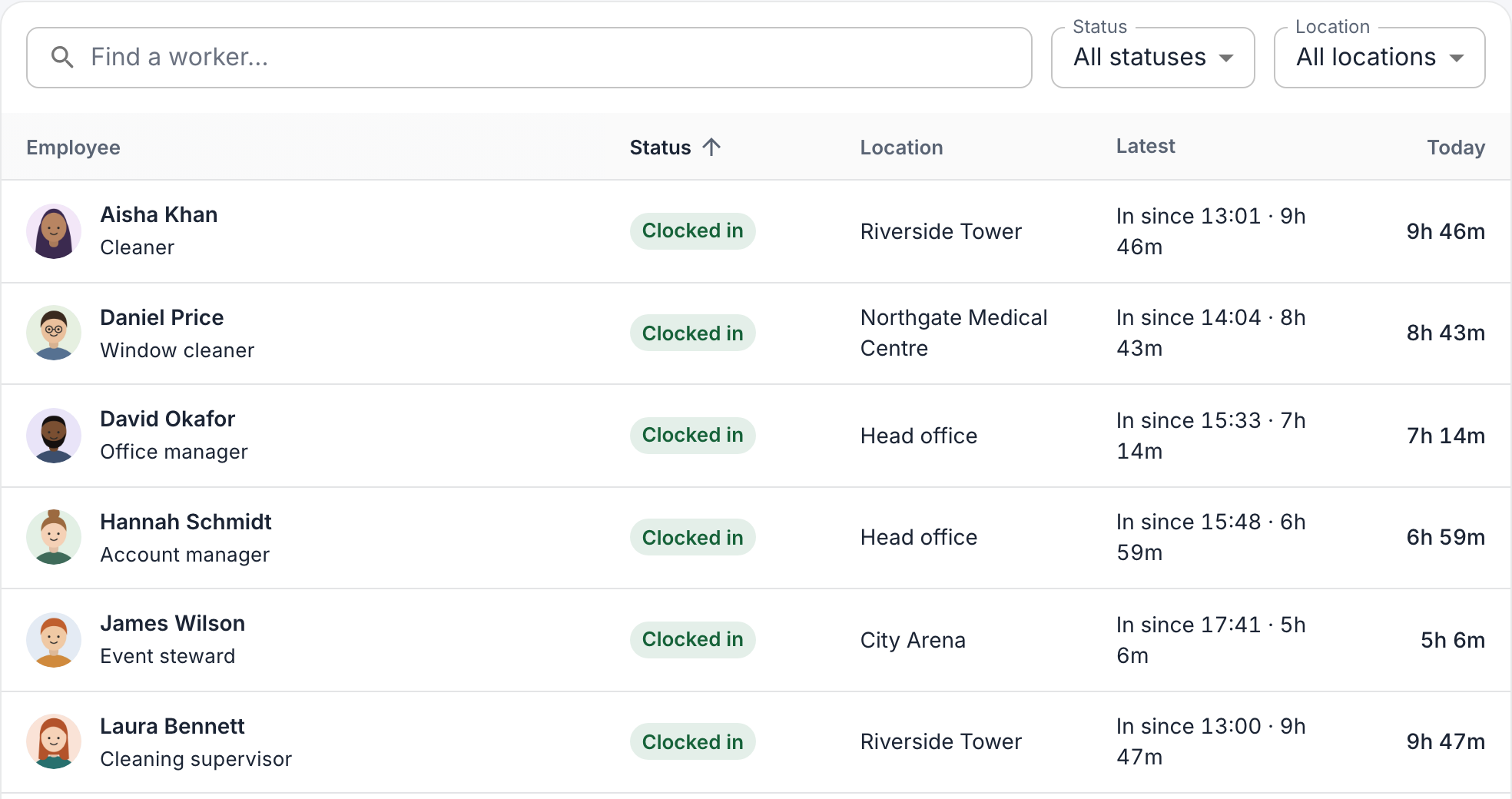
The page updates by itself. Owners and admins can clock someone out from here: click their row (on the map, then View details), choose Clock out now and confirm. This clocks them out now. If they forgot to clock out earlier, correct their finishing time instead: see Correct an employee’s hours.
Hours per person or project
Open Reports & insights → Analytics and choose the period at the top.
- Overview: total hours, overtime and anything that needs a look, such as someone who has been clocked in for very long.
- Breakdown: hours per employee, project, customer, task or location. Choose under Group by.
Large totals are shown as decimal hours: 1.75 h means 1 hour 45 minutes. To take the hours elsewhere, download them: see Export hours for payroll.
A report by email
Owners and admins can have a report emailed every day, week or month. Set it up on the web:
- Open Reports & insights → Reports and click New report.
- Choose the report, such as Working hours, and how often it’s sent.
- Under Data scope, choose Company-wide, or Managed teams so each team manager gets only their own team.
- Under Recipients, choose who gets it: for example All admins and owner, or, for team reports, All team managers.
- Click Create report.
Reports arrive around 5:00 in the morning, company time: daily ones every day, weekly ones on Monday for the week before, and monthly ones on the 1st. To pause one, turn off Send on schedule. Anyone can unsubscribe with the link in the email.
For team managers
Team managers don’t have Today or Analytics for the whole company. Their team’s hours are under Approvals and Time entries, if they’re allowed to approve hours: see Approve hours. In Analytics, they see their own hours.