

































Swap or give away a shift
Ask a coworker to take your shift, or swap shifts with them, and how admins approve it.
Can’t work a shift? If your company has turned on shift trades, you can ask a coworker to take it over, or swap it for one of theirs.
Ask a coworker
In the app
- Tap Calendar, then tap one of your upcoming shifts.
- Tap Offer or swap this shift….
- Under Colleague, choose who should take it.
- To get one of their shifts in return, turn on Ask for a shift in return and choose Their shift.
- Add a note if it helps, and tap Send.
On the web
- Open My work → My schedule, and click one of your upcoming shifts.
- Click Request trade at the bottom.
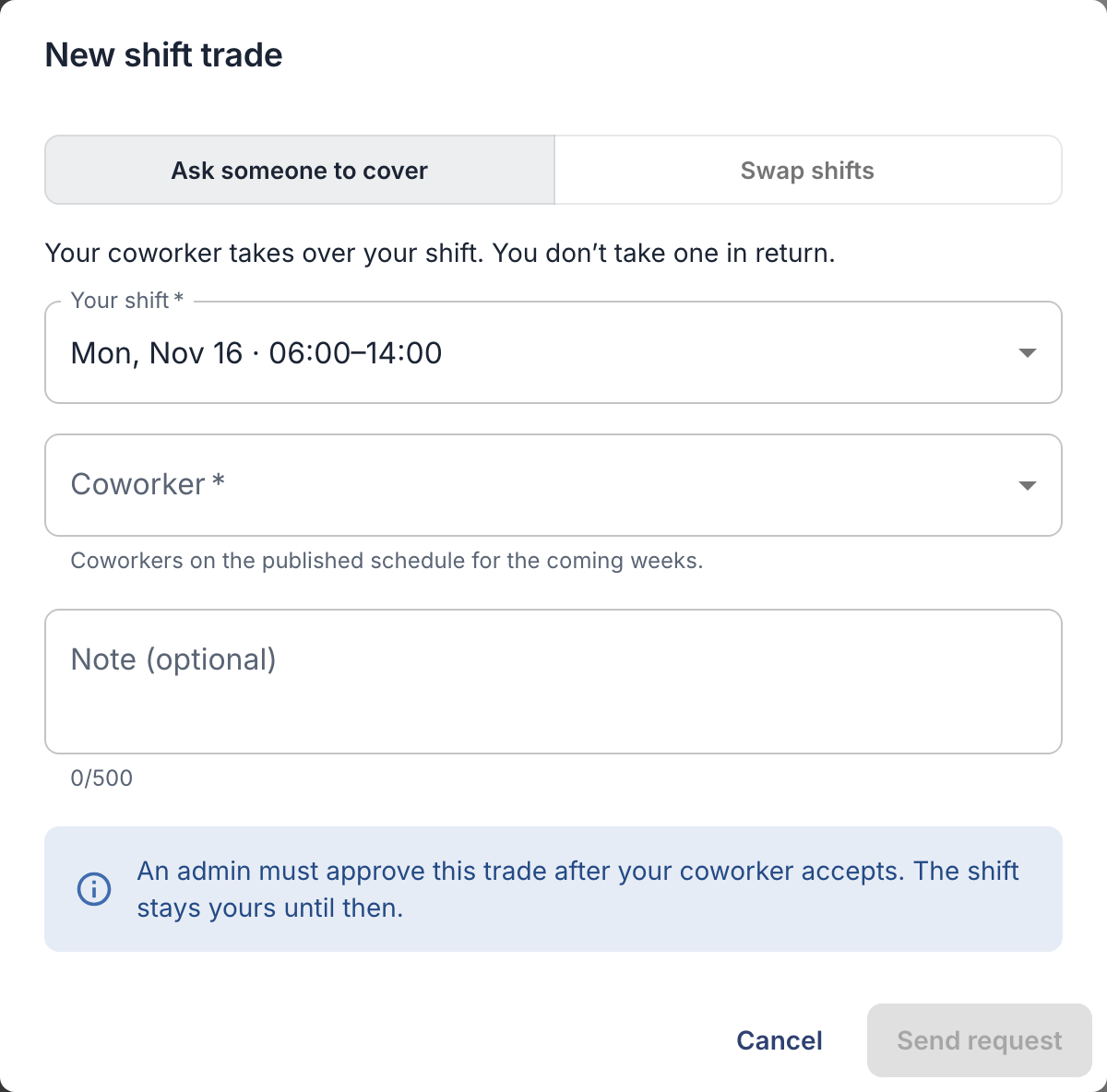
- Choose Ask someone to cover, or Swap shifts to take one of their shifts in return.
- Choose the coworker, and for a swap, the shift you take in return.
- Add a note if it helps, and click Send request.
What happens next
- Your coworker gets a notification. They open Shift trades → Incoming (in the app: Shift swaps → Incoming) and accept or decline.
- If your company requires approval, an owner or admin then approves the trade.
- Only then does the shift move. Until then it’s still yours, so work it if nothing is settled.
You follow your own requests under Shift trades → Sent, or Shift swaps → My requests in the app. You can cancel a request while it’s waiting. A request nobody settled ends when the shift starts (for a swap, when the earlier of the two shifts starts).
Good to know
- Who you can ask: coworkers on the published schedule in the coming weeks. For a team’s shift, they must be in that team. Neither of you can be on approved leave or have another shift at that time. If the list is empty, your company may not share coworkers’ schedules.
- Only your own upcoming shifts can be traded, with one open request per shift.
- No shift trades at all? Your company hasn’t turned them on. Talk to your manager instead.
For owners and admins
Turn shift trades on under Settings → Permissions & approvals → Approvals: Enable shift trades. Under Shift trade approval, choose whether an admin must approve each trade.
Trades waiting for you are on My schedule → Shift trades → Needs approval, or under Shift swaps → Approvals in the app. Team managers can’t approve trades.