

































Set or correct a leave balance
Enter starting balances, or add or deduct vacation days and comp time with a reason.
Owners and admins can add or deduct vacation and comp time, for example when you start with EasyHours or a balance is wrong.
See everyone’s balances
Open Leave requests and choose the Balances tab.
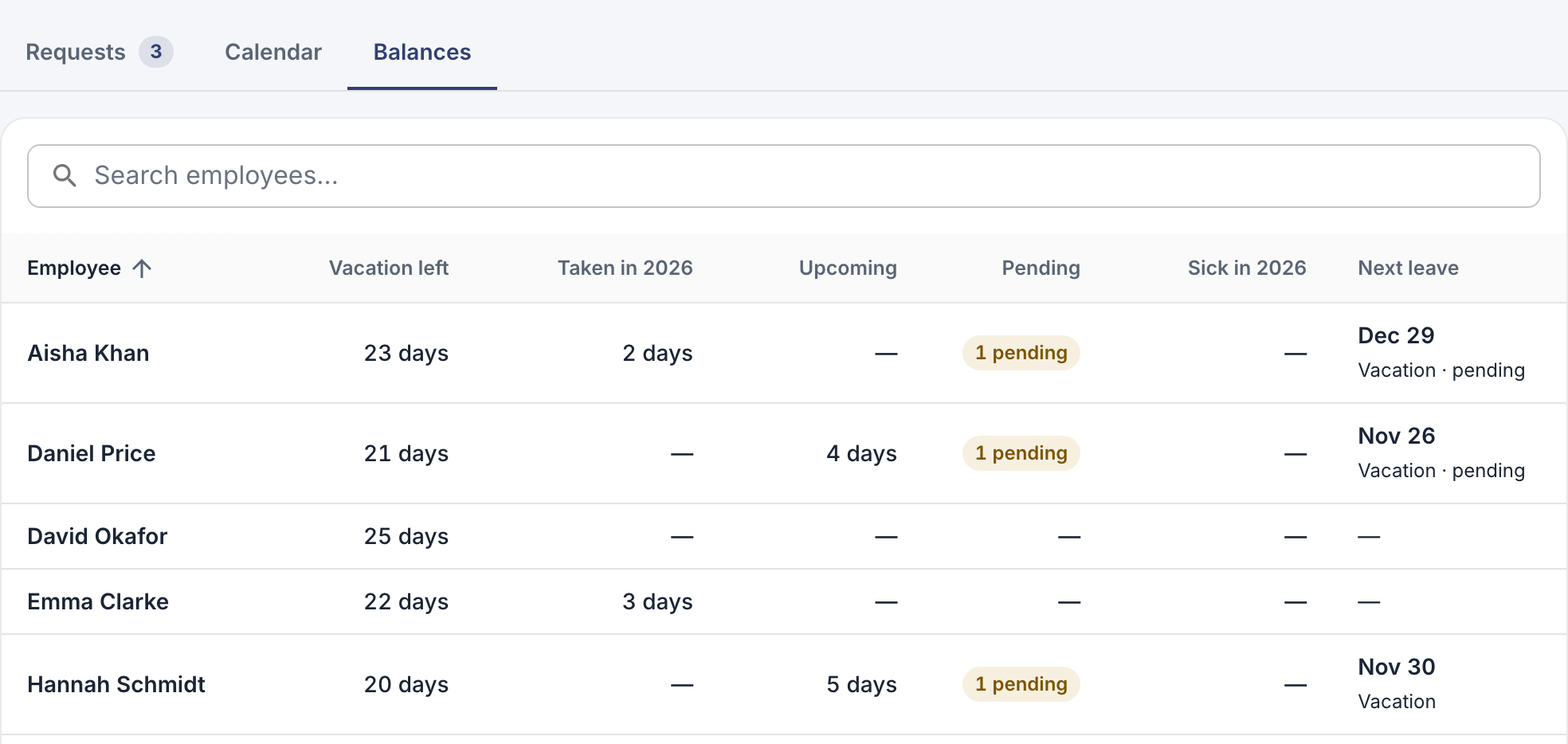
Vacation left, days taken this year, and upcoming and pending leave for each person.
Add or deduct days
On the web
- On the Balances tab, click the person.
- Click Adjust next to the balance you want to change.
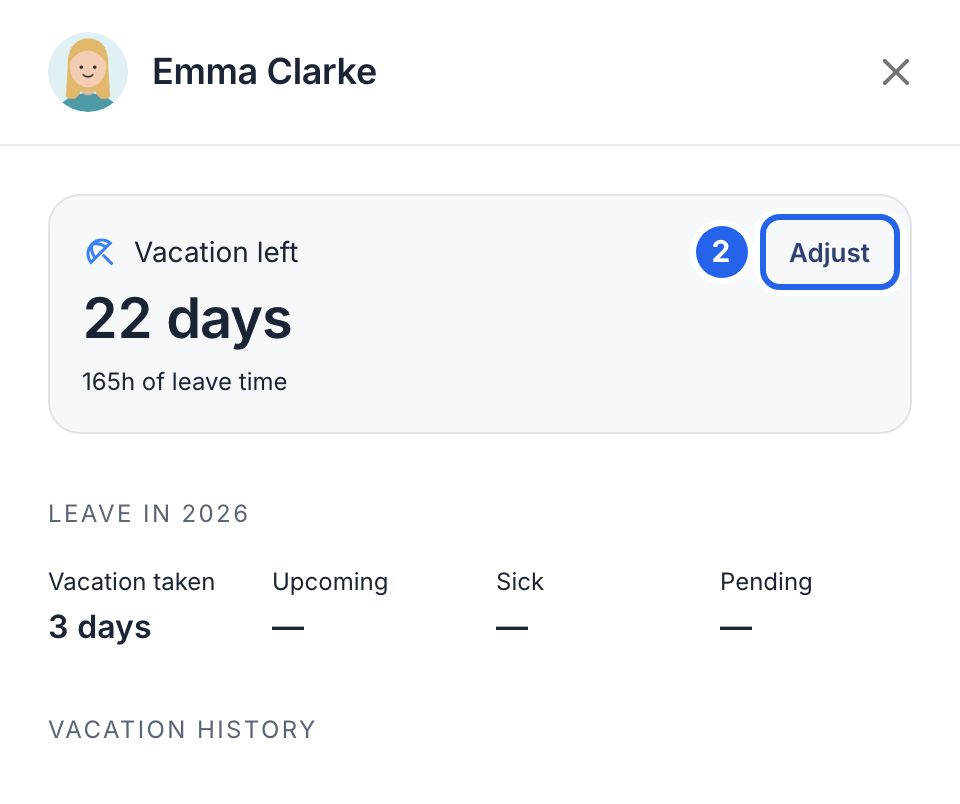
2 Adjust.
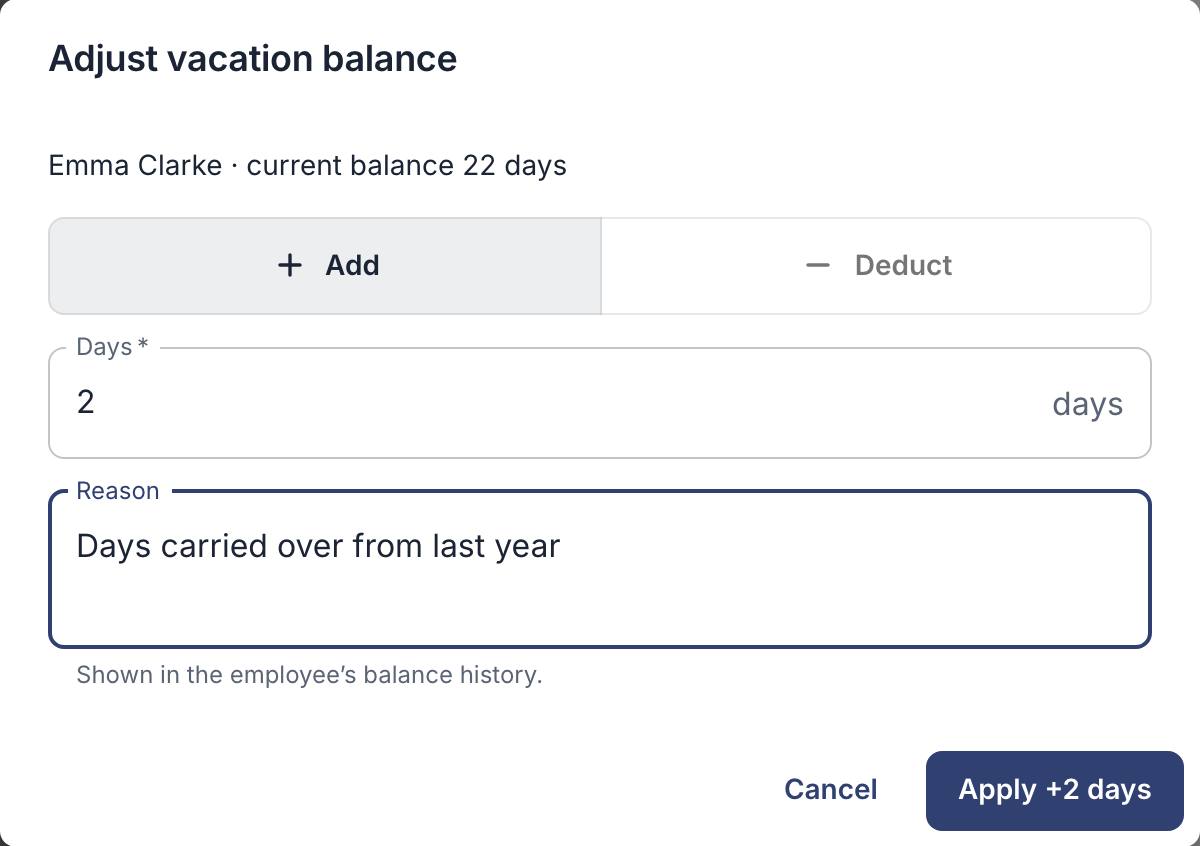
- Choose Add or Deduct, and enter the amount, in days or in hours and minutes, depending on how your company counts leave.
- Write a reason, for example “Days carried over from last year”. The employee sees it in their balance history.
- Click the apply button, for example Apply +2 days.
In the app
- Tap More → Employees, and tap the person.
- Tap Adjust balance….
- Choose vacation or comp time, add or deduct, and enter the amount.
- Write a reason, and tap Save.
Good to know
- Adjustments add to the balance; they don’t replace it. Check the current balance first and add or deduct only the difference: to change 22 days to 24, add 2. If vacation days are added automatically, check which period that already covers.
- After that, approved leave is deducted automatically.
- A wrong request? Don’t adjust the balance to make up for it. Cancel or change the request instead, and the balance follows.
- Each adjustment shows in the employee’s balance history, with your reason.