

































Set up vacation and leave types
Choose how employees get their yearly vacation days, and which kinds of leave they can ask for.
Owners and admins set up leave on the web, under Settings → Leave & holidays.
Turn on leave requests
- On the Leave requests tab, turn on Enable leave requests. Here you also choose whether leave is counted in days or in hours, and which hours make up a day off.
- Click Save changes.
In the app you can turn leave requests on too: More → Company settings → Features → Absences & time off. Everything else on this page is set up on the web.
How many vacation days each person gets
Each person’s yearly vacation days are in their Employment terms, on the Profile tab of their page under Employees. See Set working hours.
Add vacation days automatically
- Open the Vacation accrual tab.
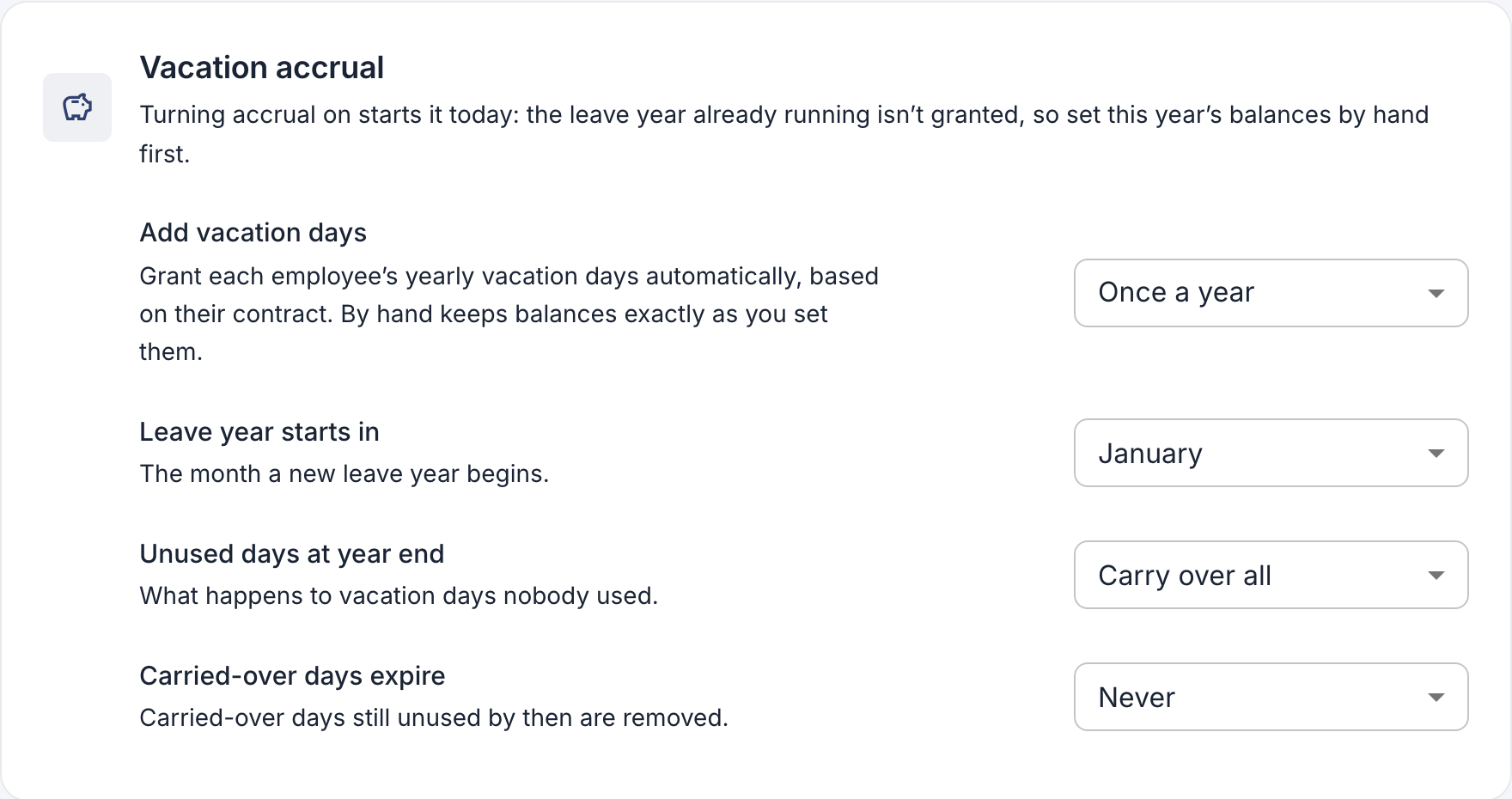
- Under Add vacation days, choose how days are added:
- Once a year: the whole year’s days at the start of the leave year.
- Every month: a twelfth of the days each month.
- By hand: nothing is added; you set balances yourself.
- For automatic days, choose the month under Leave year starts in, and what happens to unused days at the end of the year: carried over, up to a limit, or removed, and when carried-over days expire.
- Click Save changes.
Kinds of leave
When leave requests are on, employees can ask for Vacation, Sick leave and, if your company uses it, Comp time. Your company also gets the usual kinds of leave in your country, such as unpaid leave or care of a sick child. These are either paid or unpaid, and they don’t use up a balance. Email us if you need a kind of leave added or changed.