

































Get the apps
EasyHours on your phone, your computer or in any browser.
You can use EasyHours on any device. Sign in with the same email address everywhere, and you see the same hours.
| Where | How to get it | Best for |
|---|---|---|
| iPhone and Android phone | The App Store or Google Play, or easyhours.com/download | Clocking in and out on the go, with reminders |
| Computer | Any modern browser at app.easyhours.com. There’s also a desktop app for Windows (Microsoft Store) and Mac (Mac App Store) | Managing your team, approvals, schedules and reports |
| Shared tablet at the entrance | The EasyHours Kiosk app for iPad and Android tablets | Everyone clocking in at one place with a PIN |
On a computer, open Get the app in the web app’s menu for the phone and desktop download links, and a QR code to scan with your phone’s camera.
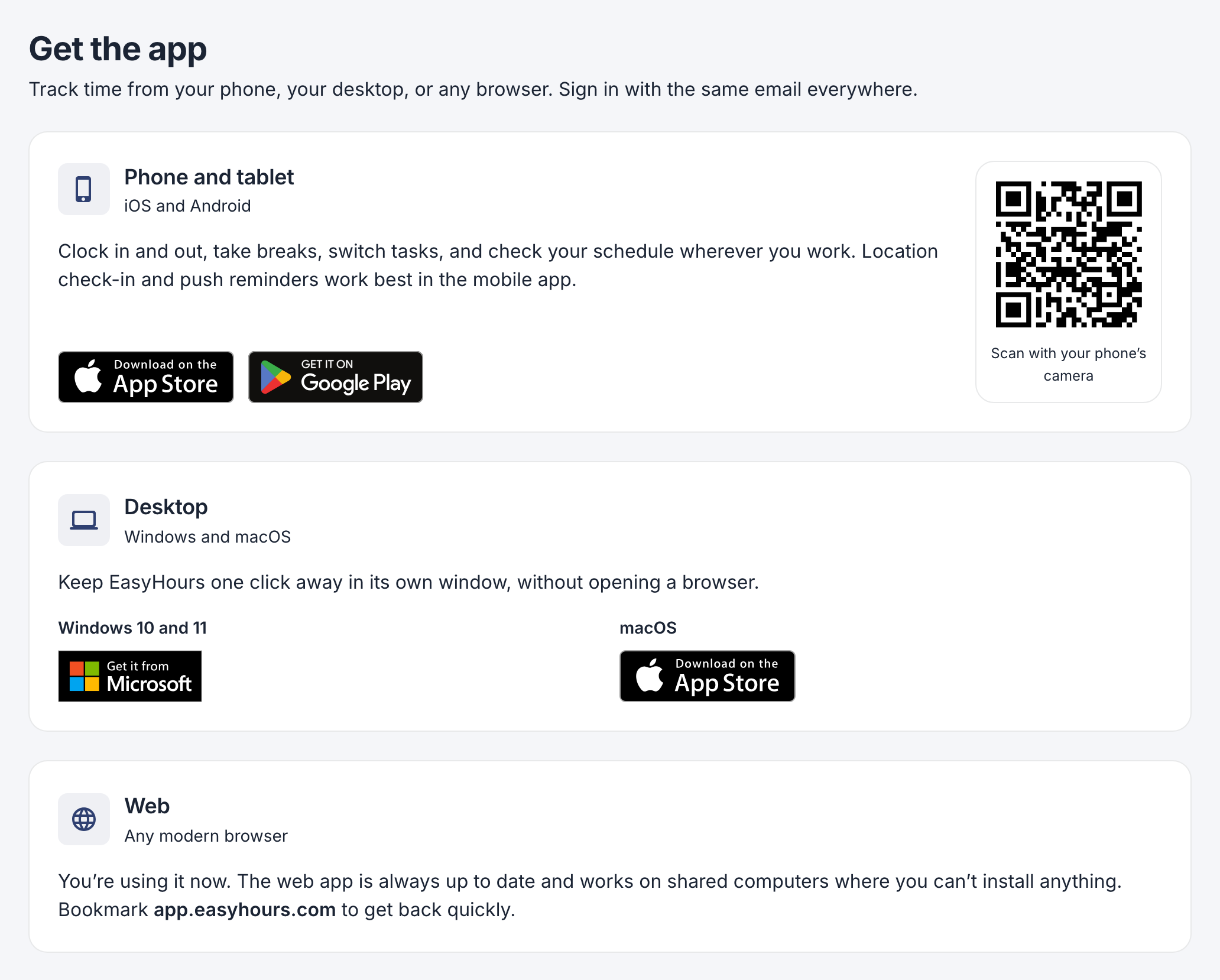
Get the app in the web app.
Setting up a shared tablet is different from installing the phone app: see Set up a kiosk.